
You’re reading the 2.x documentation. Read the 3.x guide
Keyboard Shortcuts
Customize keyboard controls in Msty Studio
Keyboard shortcuts help you move through Msty Studio faster.
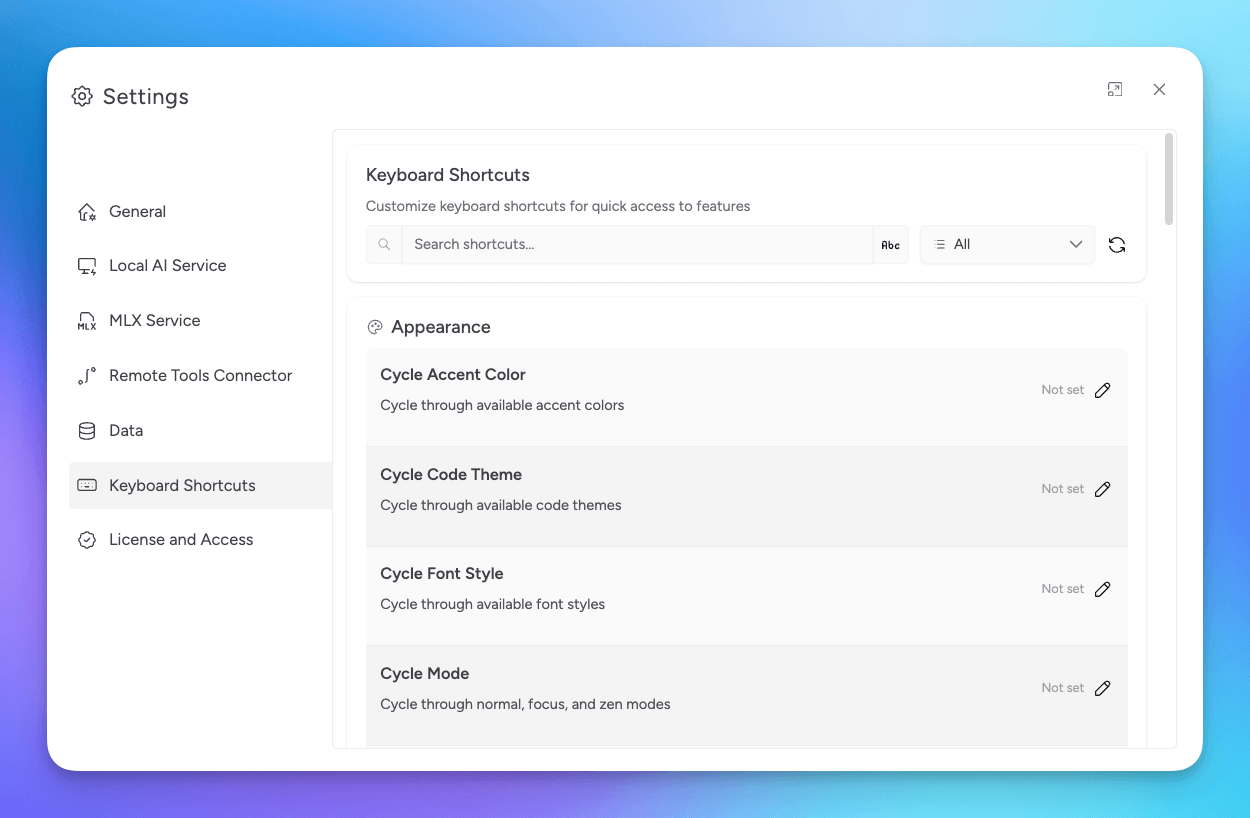
You can manage them in Settings > Keyboard Shortcuts.
Useful Defaults
Cmd/Ctrl + Kopens Command PaletteCmd/Ctrl + Nstarts a new conversationCmd/Ctrl + Tadds a split chatCmd/Ctrl + 1toggles the sidebarCmd/Ctrl + 8toggles the workspace trayCmd/Ctrl + ,opens settingsCmd/Ctrl + Shift + Fopens conversation searchCmd/Ctrl + Wenters split removal mode
Command Palette Shortcut
Command Palette is the fastest way to run actions by name.
- Press
Cmd/Ctrl + K - Type the action you want
- Press
Enterto run it
Vim Motions (Agent Mode)
If Vim Mode is enabled in Settings > Agent Mode, you can use:
ggto jump to the startGto jump to the end
Shiftcuts
Shiftcuts are quick actions triggered by pressing Shift twice, then a key.
tcreates a new split chat tabncreates a new conversation1toggles the sidebareopens quick environment variable selection
Disable Shiftcuts
Open Keyboard Shortcuts
Go to Settings > Keyboard Shortcuts.
Disable Shiftcuts
Turn off the Shiftcuts toggle at the top of the page.
Studio Web behavior can depend on your browser shortcut rules.
Related Resources
Videos
